Published October 1, 2026
Does image alt text help my business show up in AI search?
Alt text helps, but not in the way most AI-search advice suggests. It is a short written description of an image, and Google's own documentation treats it as part of ordinary image SEO and accessibility. Nobody at Google or OpenAI has published a rule that says alt text earns a business a place in an AI answer. Write it because it makes your site usable and your images understandable, not as a trick.
What this means
Alt text is the description stored in an image's alt attribute. Screen readers read it aloud, browsers show it when an image fails to load, and search engines use it to understand what the image is. Google's image guidance says it should be useful, information-rich, and accurate to what the image shows, and it flags missing, generic, and keyword-stuffed alt text as problems (Google Search Central, 2026a).
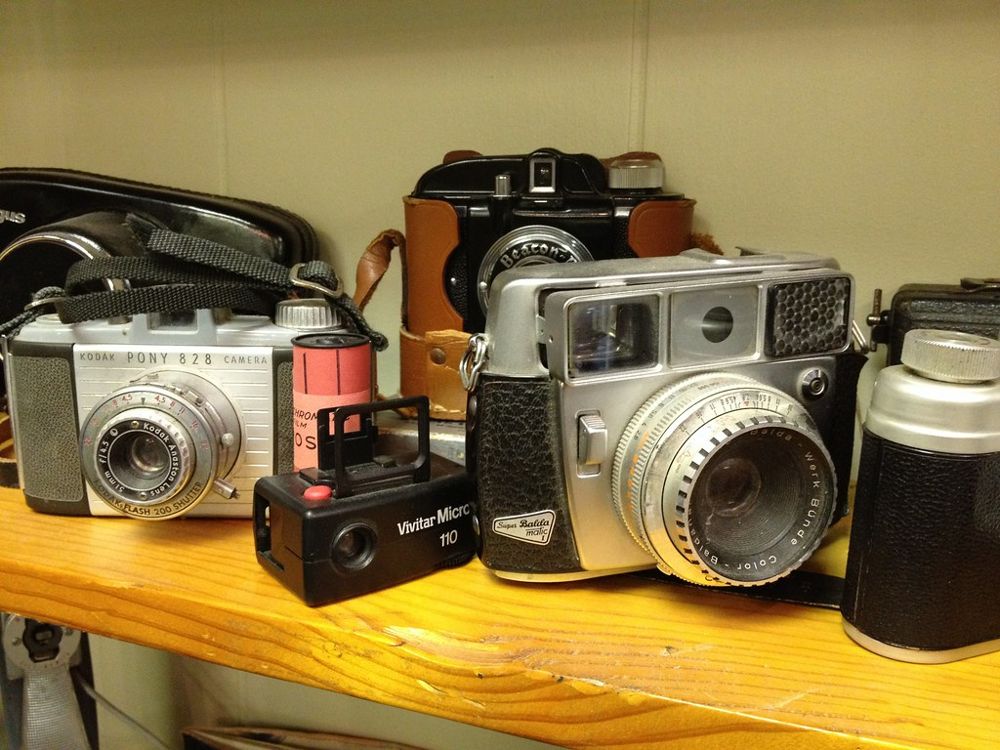
Photo: "Camera Classics" by cogdogblog, CC BY 2.0
The AI angle is where claims get loose. Google states that there are no additional requirements or special optimizations needed to appear in AI Overviews or AI Mode. A page needs to be indexed and eligible to show a snippet, and that is the bar (Google Search Central, 2025). So alt text is not an AI lever. It is one small part of a page that search systems, including the ones behind AI features, can read well.
Who this applies to
Any business with photos on its site. That includes a dental practice with team and office photos, a contractor with project galleries, a restaurant with menu images, and a law firm with headshots. If your images are mostly decoration, the main job is marking them as decorative. If they show your work, your staff, or your location, they deserve a real description.
How we'd evaluate it
We would crawl the site and sort every image into one of four groups: informative, functional (an image that works as a link or button), complex (charts and diagrams), and decorative. Then we check the alt attribute against what the W3C Web Accessibility Initiative says each group needs. Informative images need a short description of the essential content. Functional images should describe what the link or button does, not what it looks like. Decorative images get an empty alt attribute (W3C Web Accessibility Initiative, 2026).
We also look at whether important information, such as hours, prices, or service lists, lives only inside an image. That is a separate and bigger problem than weak alt text. Put it in real page text.
Available options
- Fix it yourself. Most website builders expose an alt text field on each image. Go through your top pages first: home, services, and location pages.
- Include it in a content audit. Alt text is one line item next to headings, structured data, and listing consistency.
- Leave decorative images alone. An empty alt attribute is correct for them. Do not invent descriptions to fill the field.
Benefits, limitations, and tradeoffs
The benefits are real but modest: better accessibility for people using screen readers, clearer signals for image search, and a cleaner page overall. The limitation is that nothing published by the major platforms ties alt text to AI citations. The tradeoff is time. Rewriting alt text across a large site is tedious, and the payoff is mostly accessibility, so prioritize the pages that matter most.
What we know
Three things are documented. First, Google defines alt text as text that describes an image, says it helps Google understand the image, and asks for concise, descriptive wording without keyword stuffing (Google Search Central, 2026a). Second, Google's guide to generative AI features says optimizing for them is still SEO and recommends supporting your text with high-quality, relevant images and videos where it makes sense (Google Search Central, 2026b). It does not name alt text as an AI-specific requirement. Third, the W3C says a text alternative should convey the information or function of the image, and that decorative images should be given an empty one (W3C Web Accessibility Initiative, 2026).
What is only opinion: accessibility vendor Siteimprove argues that precise image descriptions improve an AI system's ability to extract and cite accurate information (Jeske, 2026). That may be reasonable, but it is a vendor's claim, and we found no documentation from Google, OpenAI, or Microsoft confirming it. Treat it as a plausible idea, not a finding.
Next steps
Pick your five most important pages. For each image, decide whether it is informative, functional, complex, or decorative. Write a one-sentence description for the informative ones, leave the decorative ones empty, and move any key facts out of images and into text. Then re-test how AI engines describe your business a month later, knowing the change is unlikely to move the result by itself.
Orlando considerations
Orlando service businesses tend to be photo-heavy: before-and-after galleries, dining rooms, treatment rooms, job sites. Those photos are often the only place a business shows its real location and work. Descriptions that name the actual subject, such as the type of room or project and the neighborhood where it applies, are more useful to a reader than "photo1.jpg" or "best Orlando company." Florida's tourism traffic also means many searchers are strangers to the area, so clear, plain descriptions help.
Frequently asked questions
Do I need alt text on every image?
Every image that carries information or has a function should have it. Purely decorative images should have an empty alt attribute (alt="") so screen readers skip them, per the W3C Web Accessibility Initiative. Missing alt text is one of the things Google's image guidance tells site owners to avoid.
Will good alt text get my business cited by ChatGPT or Google AI?
No. Google says there are no special requirements or extra optimizations for AI Overviews and AI Mode beyond normal Search eligibility. Good alt text makes your images understandable and your pages more accessible. It does not guarantee a citation anywhere.
How long should alt text be?
Short and specific. Google's guidance asks for text that is concise but descriptive, and neither Google nor the W3C sets a character count. If a sentence says what the image shows and why it is on the page, that is usually enough.
Should I put keywords in alt text?
Only if they are a natural part of describing the image. Google's guidance warns that stuffing alt attributes with keywords gives a poor experience and can be treated as spam.
References
Google Search Central. (2025, December 10). AI features and your website. Google for Developers. https://developers.google.com/search/docs/appearance/ai-features
Google Search Central. (2026a, March 2). Image SEO best practices. Google for Developers. https://developers.google.com/search/docs/appearance/google-images
Google Search Central. (2026b, July 10). Google's guide to optimizing for generative AI features on Google Search. Google for Developers. https://developers.google.com/search/docs/fundamentals/ai-optimization-guide
Jeske, S. (2026, April 22). Alt text: How to make meaning obvious to humans and machines. Siteimprove. https://www.siteimprove.com/blog/alt-text-quality-human-machines/
W3C Web Accessibility Initiative. (2026, April 8). Images tutorial. W3C. https://www.w3.org/WAI/tutorials/images/
Last updated: October 1, 2026
If you want to know how AI engines currently describe your business and which fixes are worth your time, an AI visibility audit maps the gaps and puts them in priority order.